← Card Football: Play Caller

Card Football on iPhone Duo

Card Football: Play Caller · iOS

Card Football: Play Caller is a single-player football strategy game where you build each play from the cards in your hand. It works on both of iPhone Duo's screens and in every pose, in games and in the menus, and changes its layout as you fold or turn the phone.

Folded like a book

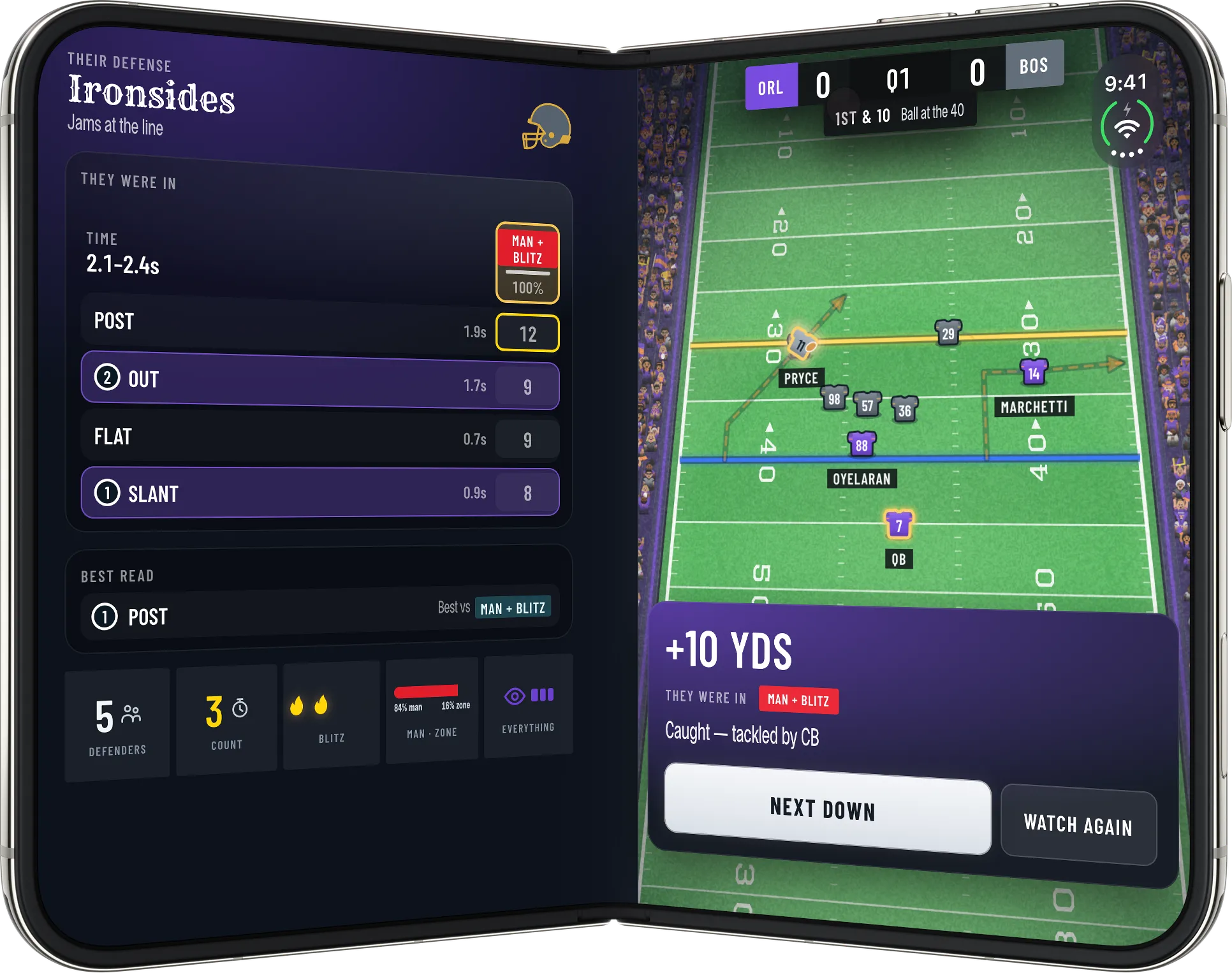
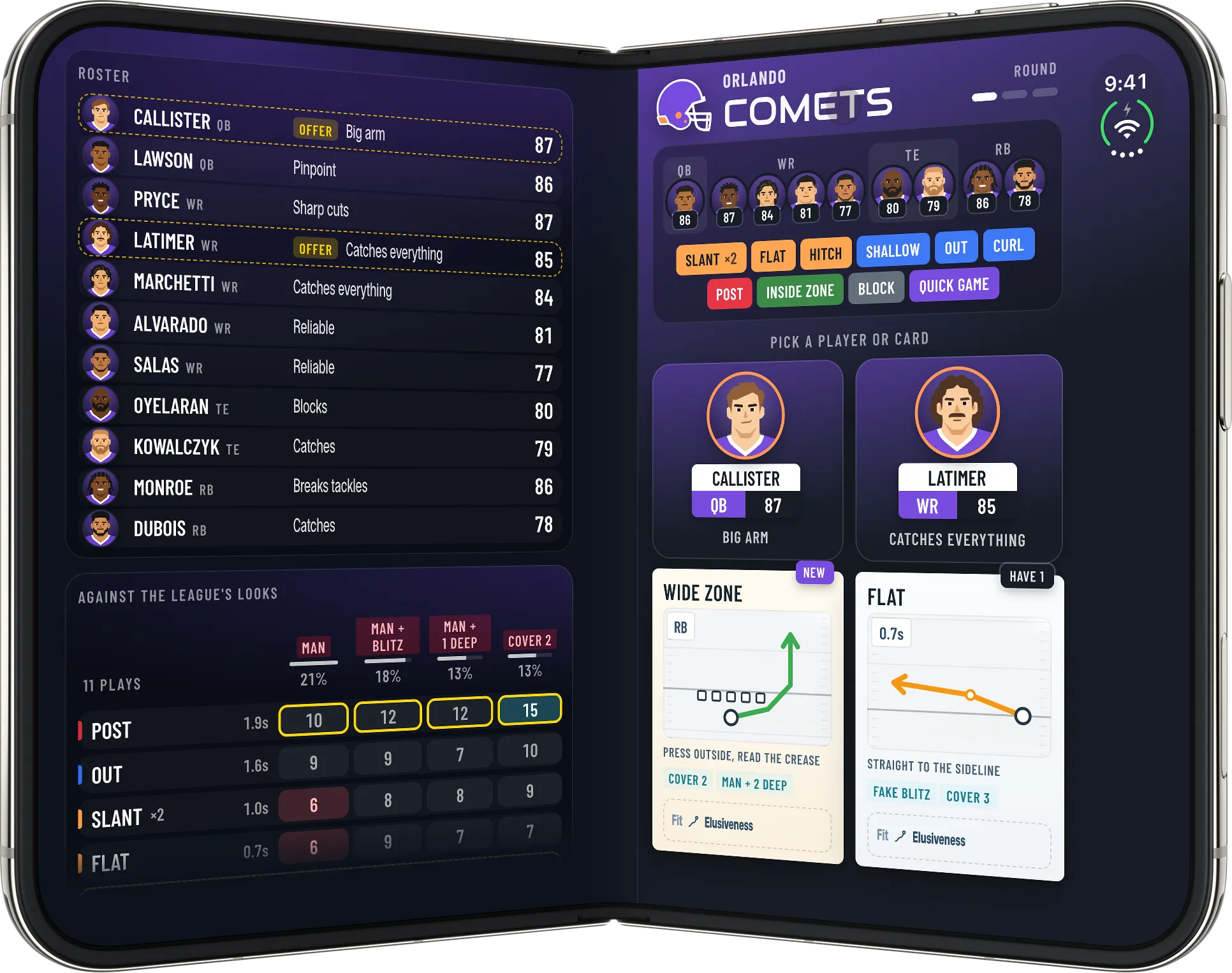
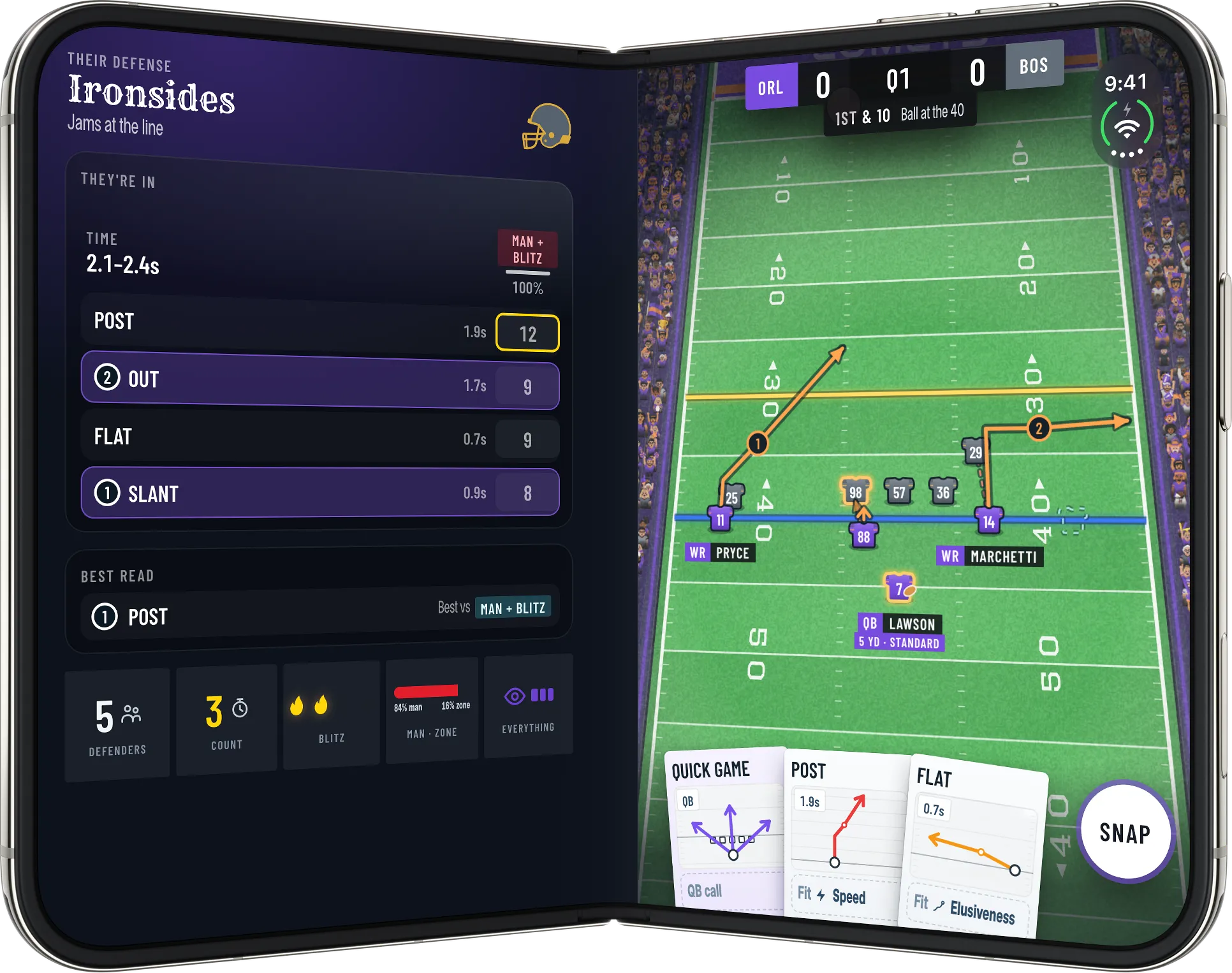
When you hold the phone like a book, the game is on the right page and the left becomes a study page. Before the snap, it shows how each card in your hand does against every look the defense could show and marks the best read; after the snap, it shows what they actually ran. During the draft, it keeps your roster and playbook open beside the picks.
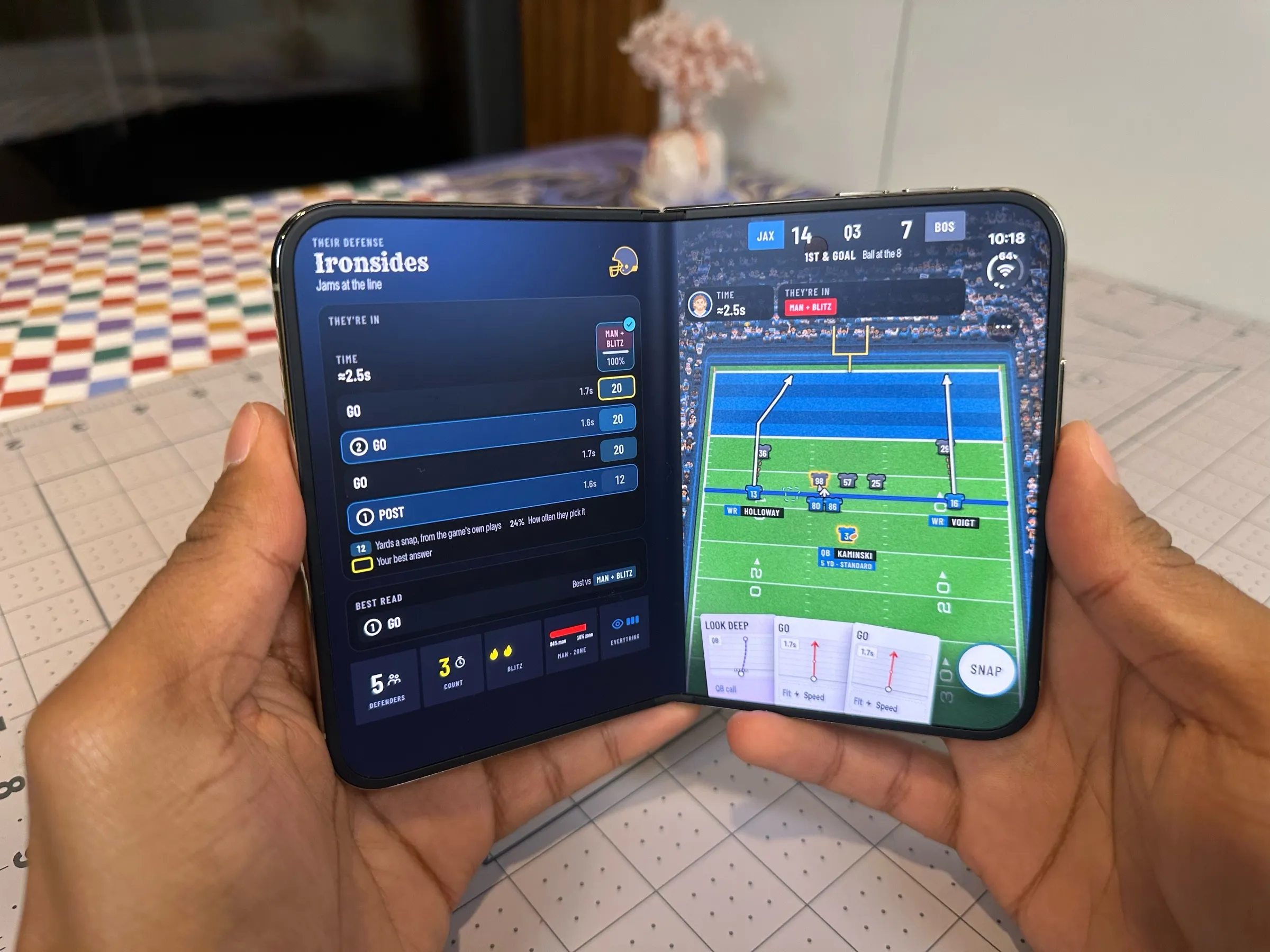
Two hands holding iPhone Duo open like a book. The Ironsides' defense and the best read are on the left page, the field and the cards in hand on the right.
in your hands
iPhone Duo folded like a book. The left page shows the Ironsides' defense and how each card in hand does against it, with Post as the best read. The right page shows the field, the cards in hand and the Snap button.
before the snap
iPhone Duo folded like a book after the snap. The left page marks the look the defense actually played, man plus blitz, beside the cards that were in hand. The right page shows the play's result, a 10-yard gain, with Next down and Watch again.
after the snap: what they ran
iPhone Duo folded like a book during the draft. The left page lists the roster with ratings and how each play does against the league's looks. The right page offers two players and two play cards to pick from.
the draft, with your roster beside it

Seated

Set the phone down half-open, like a laptop, and the field stands on the upright half while the controls sit on the flat half. You tap a card to play it across the fold, then tap a receiver's button to throw to him or steer the runner with a thumbstick.
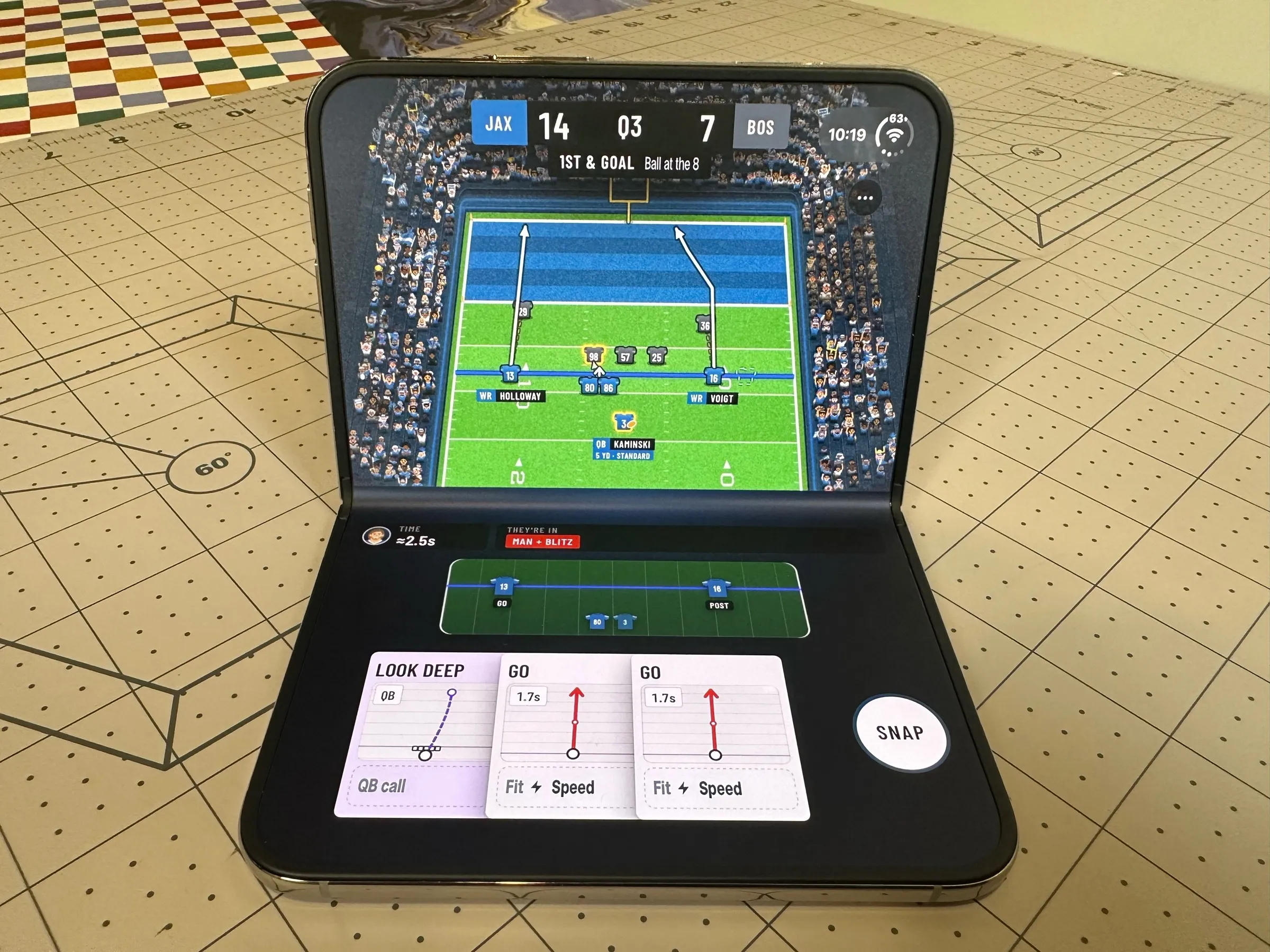
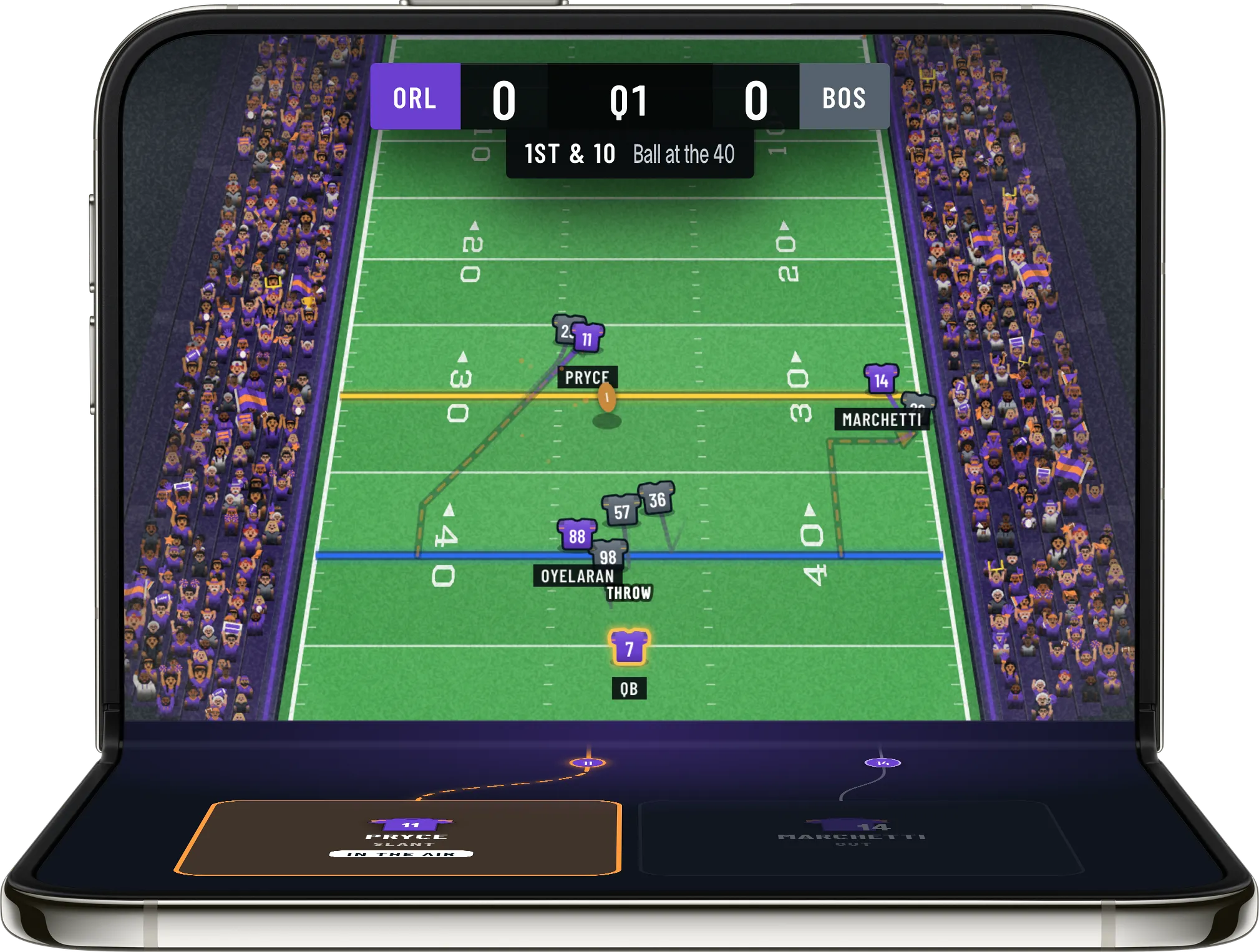
iPhone Duo half-open on a desk. The field stands on the upright half; the flat half holds the receivers' routes and three play cards beside the Snap button.
set down on the desk
iPhone Duo half-open and set down. The field is on the upright half with a pass in the air to Pryce, and the flat half has a button for each receiver.
a pass in the air
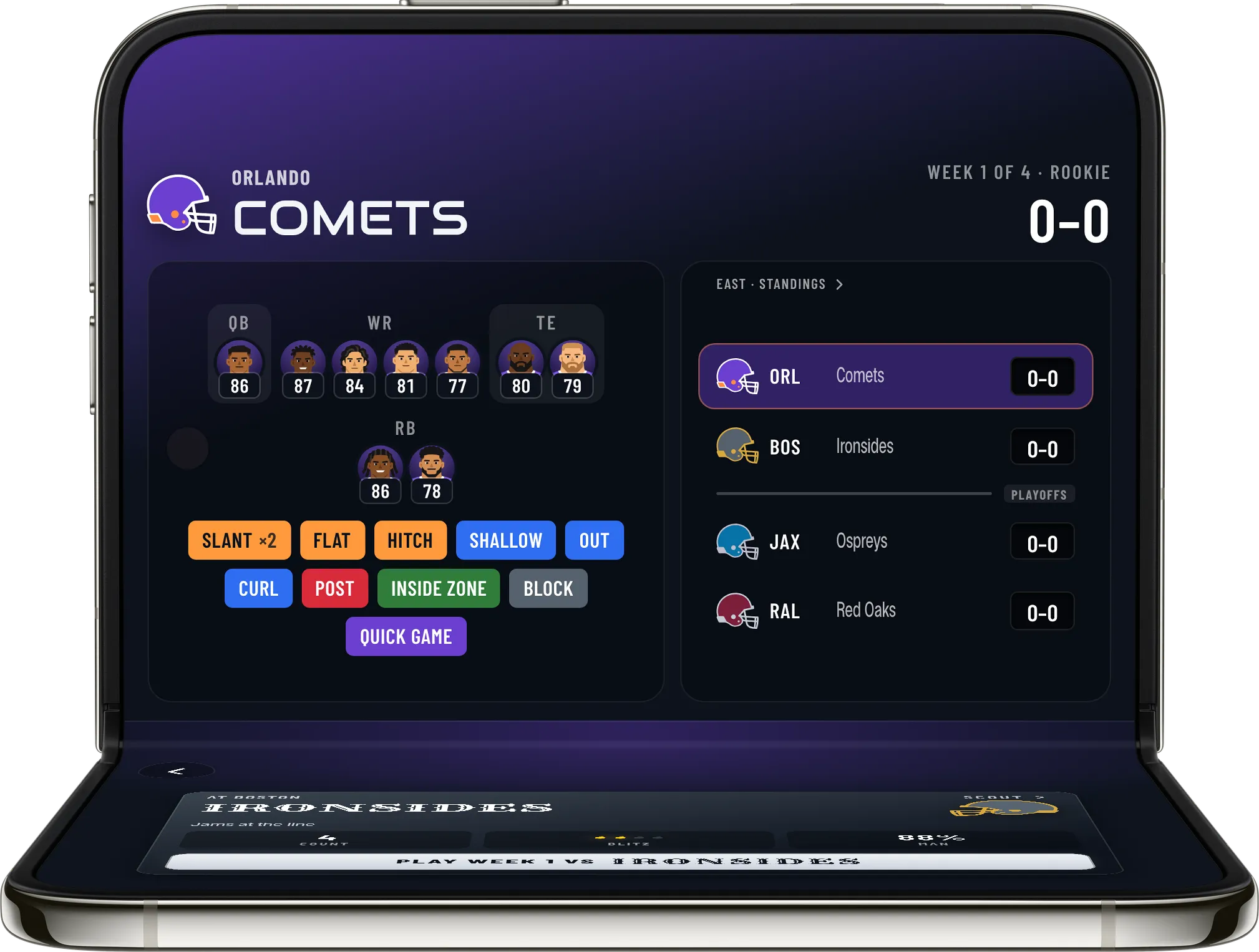
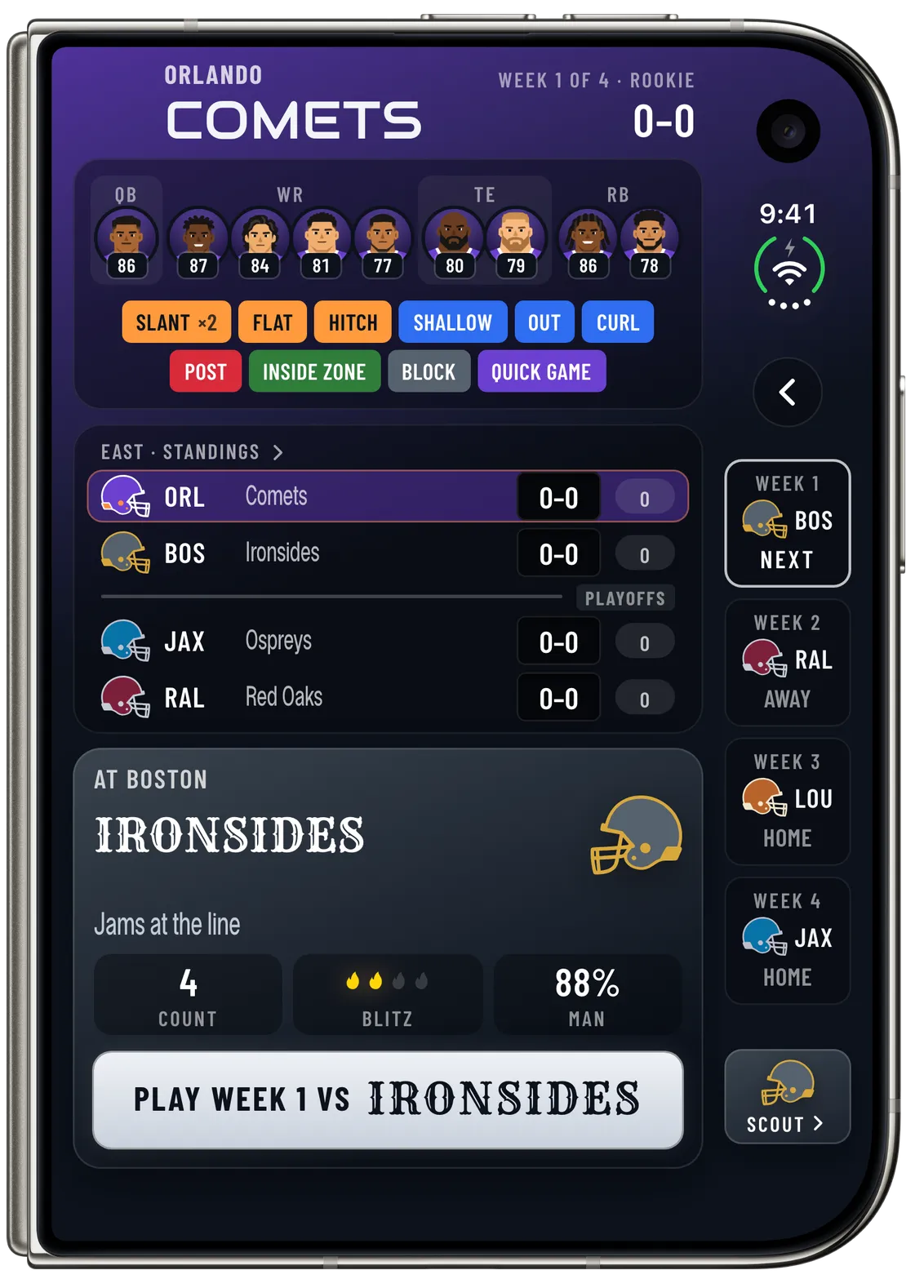
iPhone Duo half-open and set down on the season hub. The team's players, plays and the standings are on the upright half, and the next game, against the Ironsides, is on the flat half with its Play button.
menus split the same way

Landscape

Open flat and on its side, the phone shows the whole stadium, with the field running edge to edge.
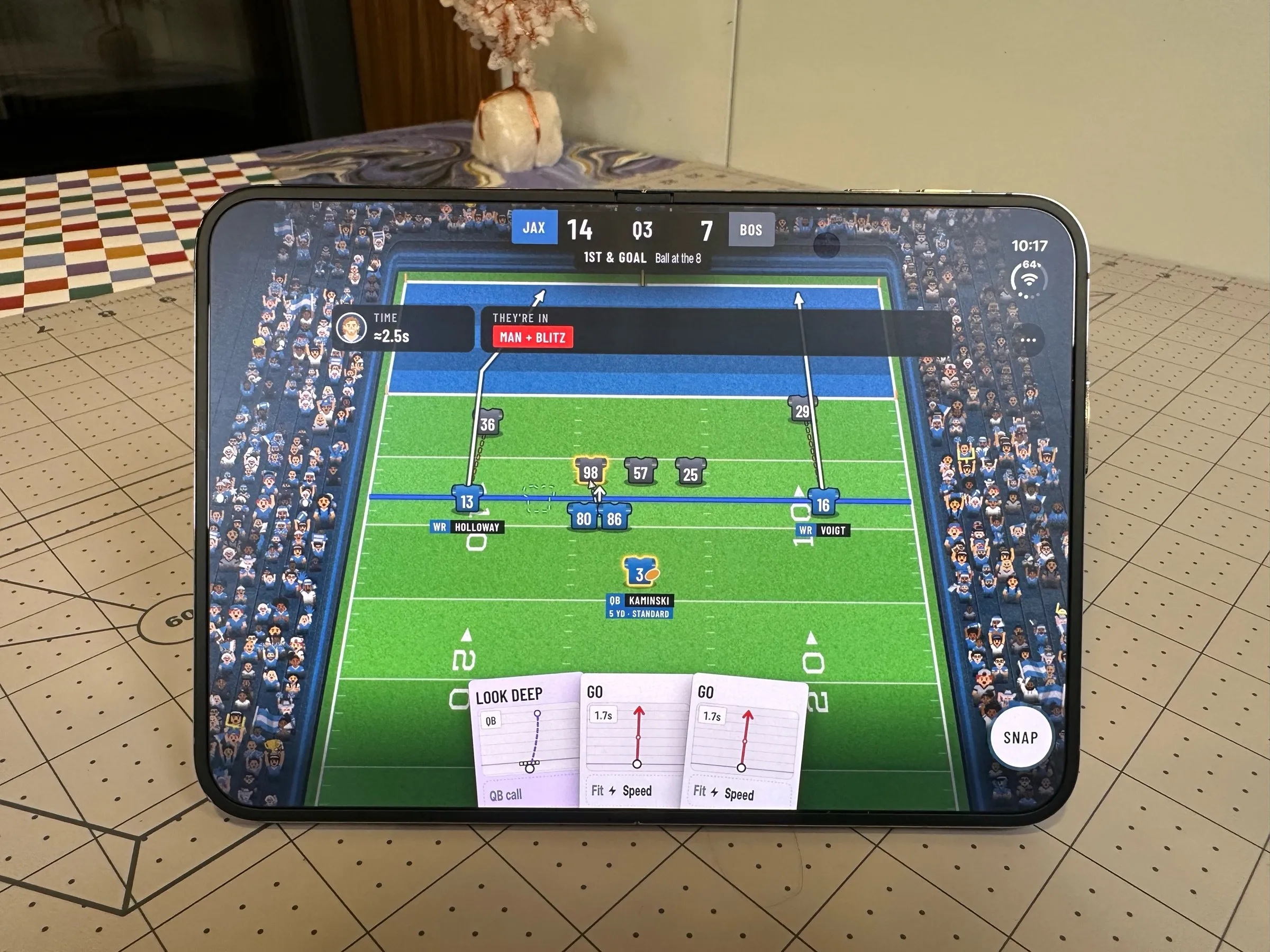
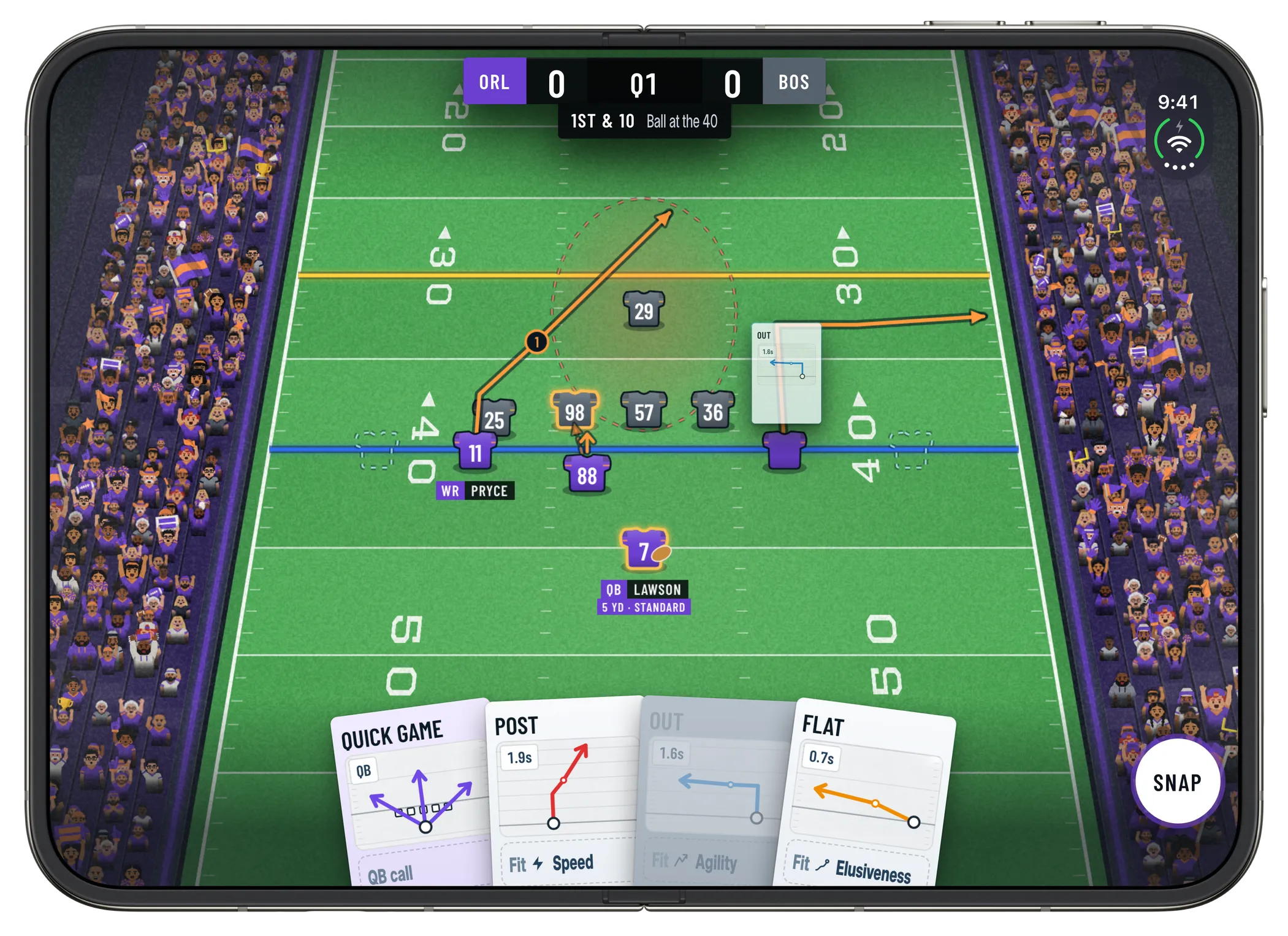
iPhone Duo open flat and standing on its side on a desk, showing the whole stadium, the routes on the field and three play cards beside the Snap button.
stood on its side
iPhone Duo open flat on its side, showing the whole stadium. A play is being built from the cards along the bottom, beside the Snap button.
building a play
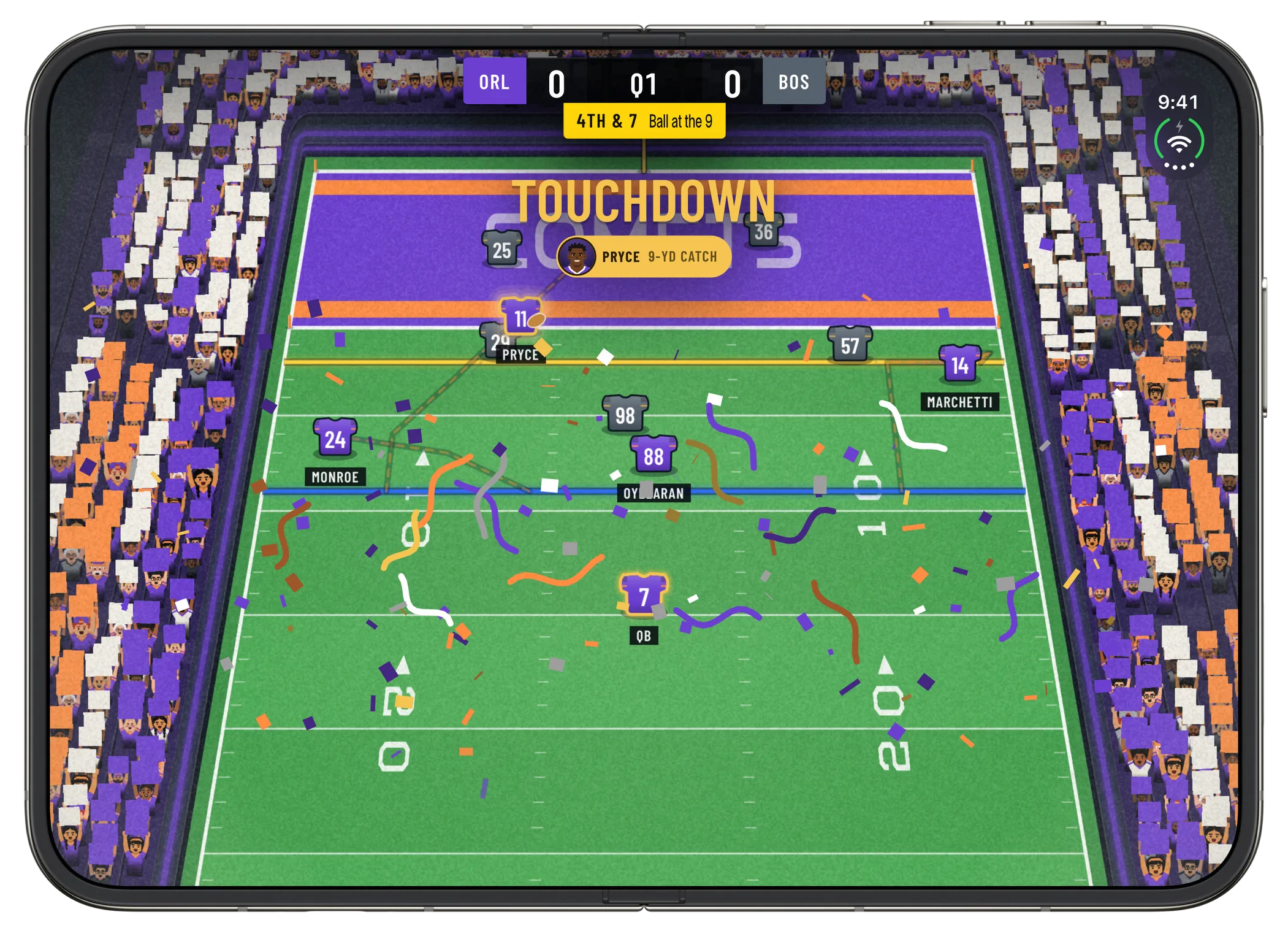
iPhone Duo open flat on its side. A touchdown for Pryce, with confetti over the field and the crowd holding up cards.
a touchdown

Portrait

Hold the open phone upright and the game fills the inner screen from top to bottom, with your cards and the Snap button at your thumbs.
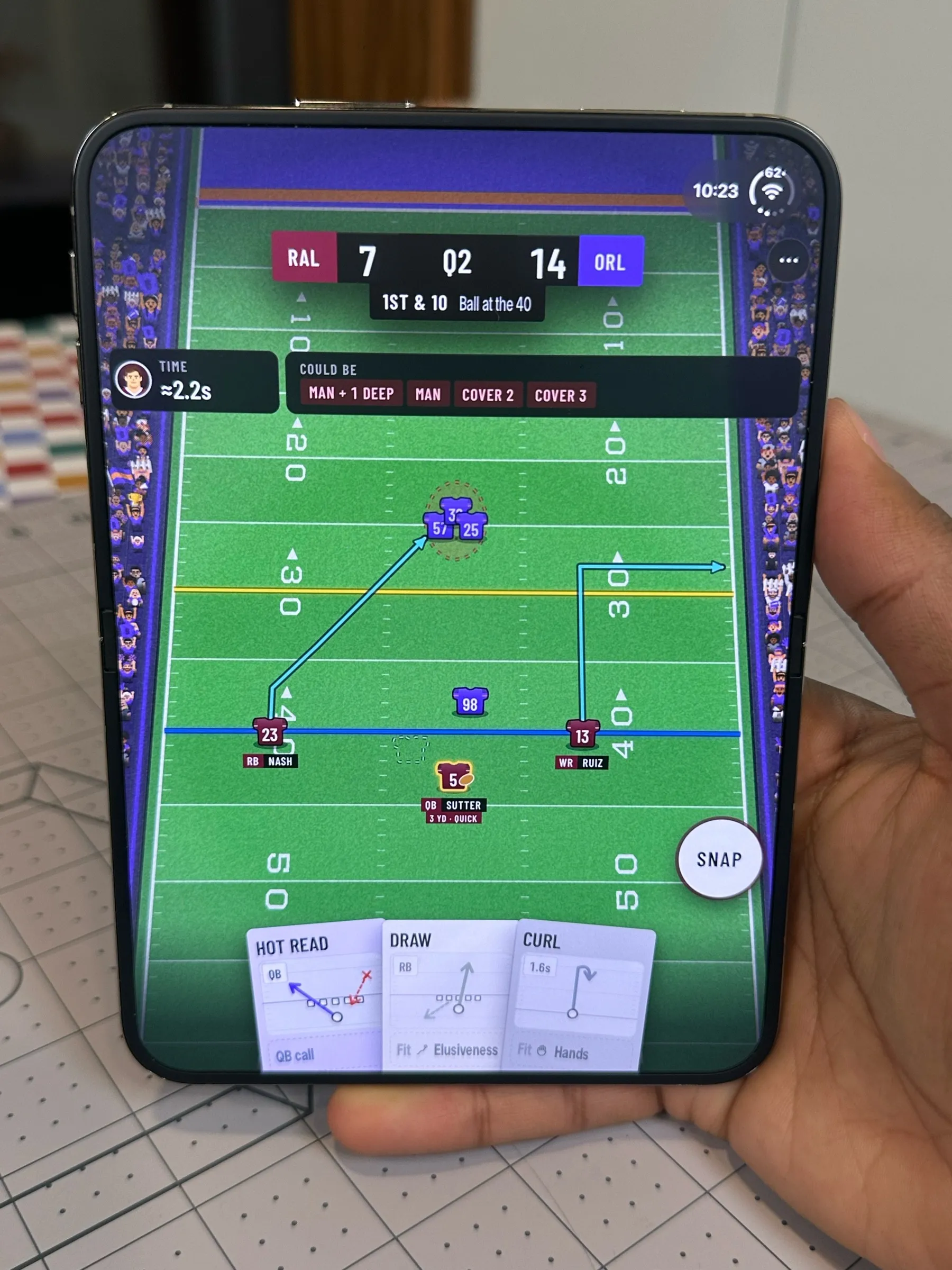
iPhone Duo open flat and held upright in one hand. The inner screen shows a Raleigh drive against Orlando, with a deep route and a corner route drawn on the field and three play cards along the bottom.
open, held upright

Closed

With the phone closed, you play on the outer screen. Between games, the strip down its side shows your schedule and the next opponent.
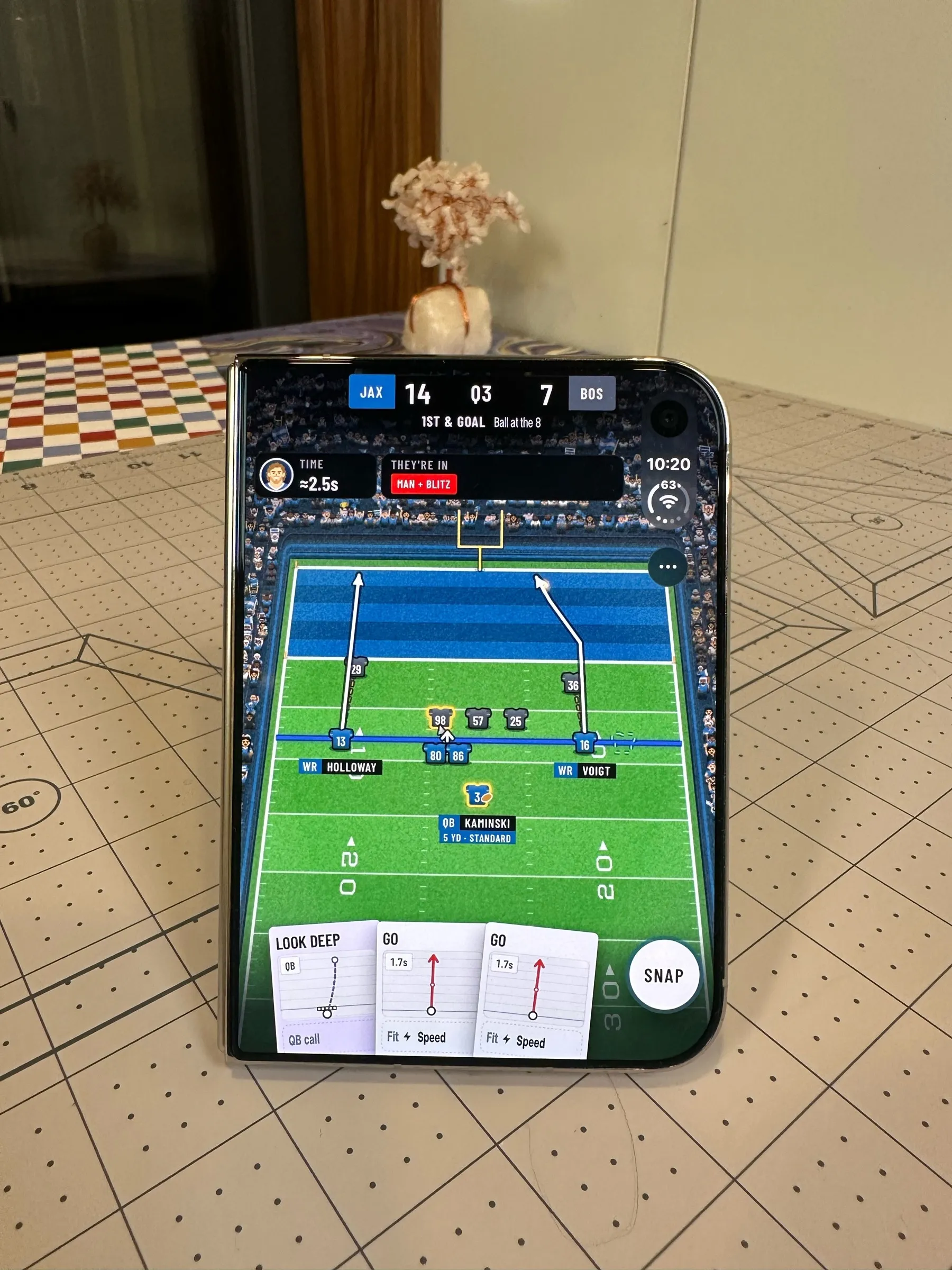
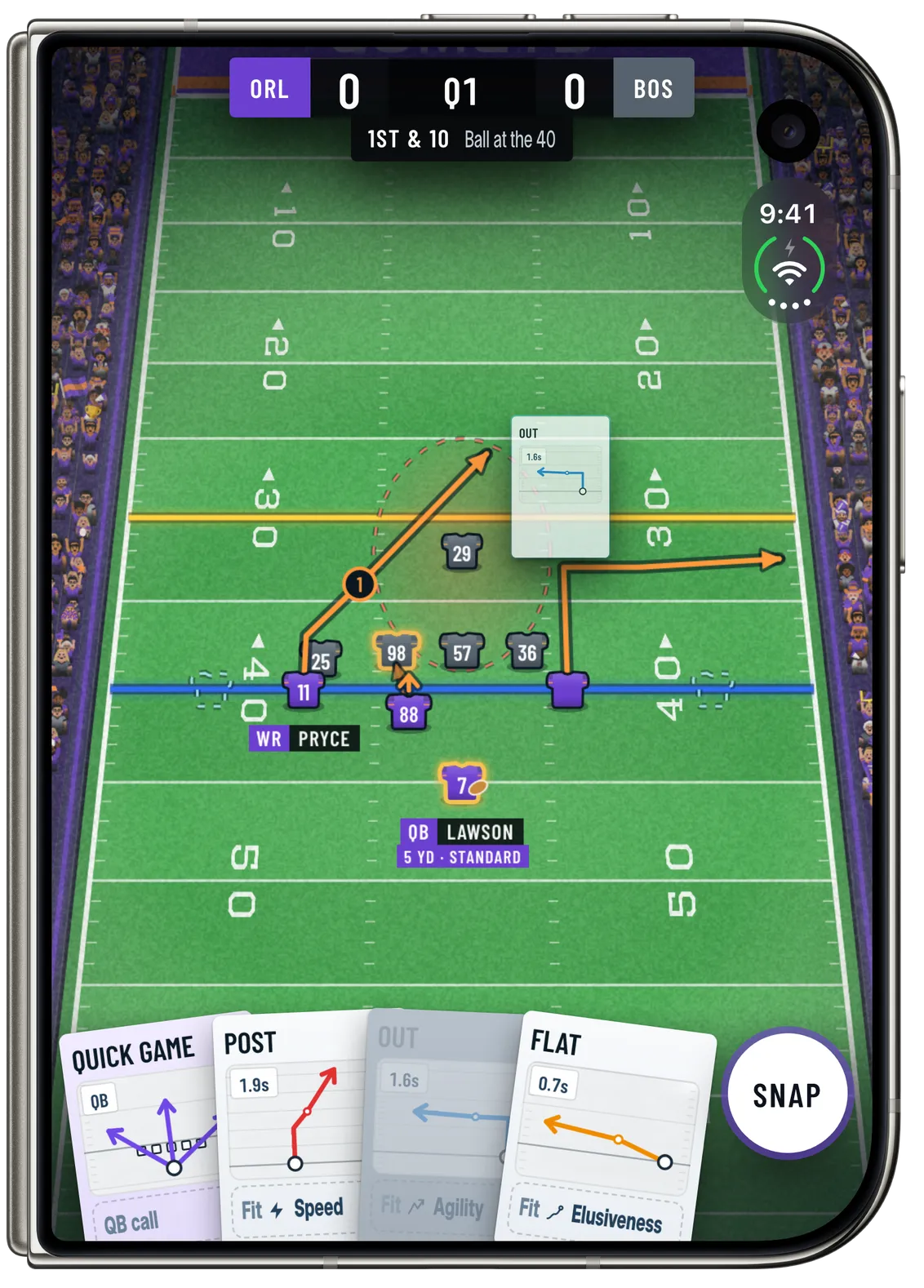
iPhone Duo closed and standing upright on a desk, with a play on the outer screen: routes on the field and three play cards beside the Snap button.
stood up, closed
iPhone Duo closed, with a play on the outer screen: routes drawn on the field and the cards in hand along the bottom.
in a game
iPhone Duo closed, showing the season hub on the outer screen, with the four-week schedule in the strip down the side.
the season hub